
Sync Your Health Records
Records syncing is a paid feature that connects Inciteful Med directly to your patient portal, so you never have to upload a record again. Once connected, we monitor your health record on an ongoing basis, help you prepare for appointments, and build the lasting context behind your most personalized results. Peace of mind, and an advocate permanently in your corner.
Last reviewed 2026-10-19
How to Sync Your Health Records
Automatic record syncing and monitoring are included on our Personal and Family plans. On the free Starter plan you can connect one health system and sync it by hand. See our plans.
Syncing your records lets Inciteful Med keep up with what's actually happening in your care - new results, upcoming appointments, medications - so it can explain new information as it arrives, flag potential medication conflicts, and help coordinate care across specialists who rarely have time to review your full history.
Records syncing currently works with health systems that run on Epic's MyChart patient portal. If your provider uses a different system, you won't be able to sync that system yet, but please contact us and tell us which records system your provider uses, as we are adding new ones!
Not sure if your provider is on Epic? Check the login page of your existing patient portal. Epic-based portals almost always carry the Epic logo or "MyChart" in the name (for example, "UCLA Health MyChart" or "NM MyChart"). You can also look your provider up in MyChart's organization directory.
Connect a health system
Log into your Inciteful Med account and navigate to the patient profile you want to sync. Select Set up monitoring, then Connect a health system


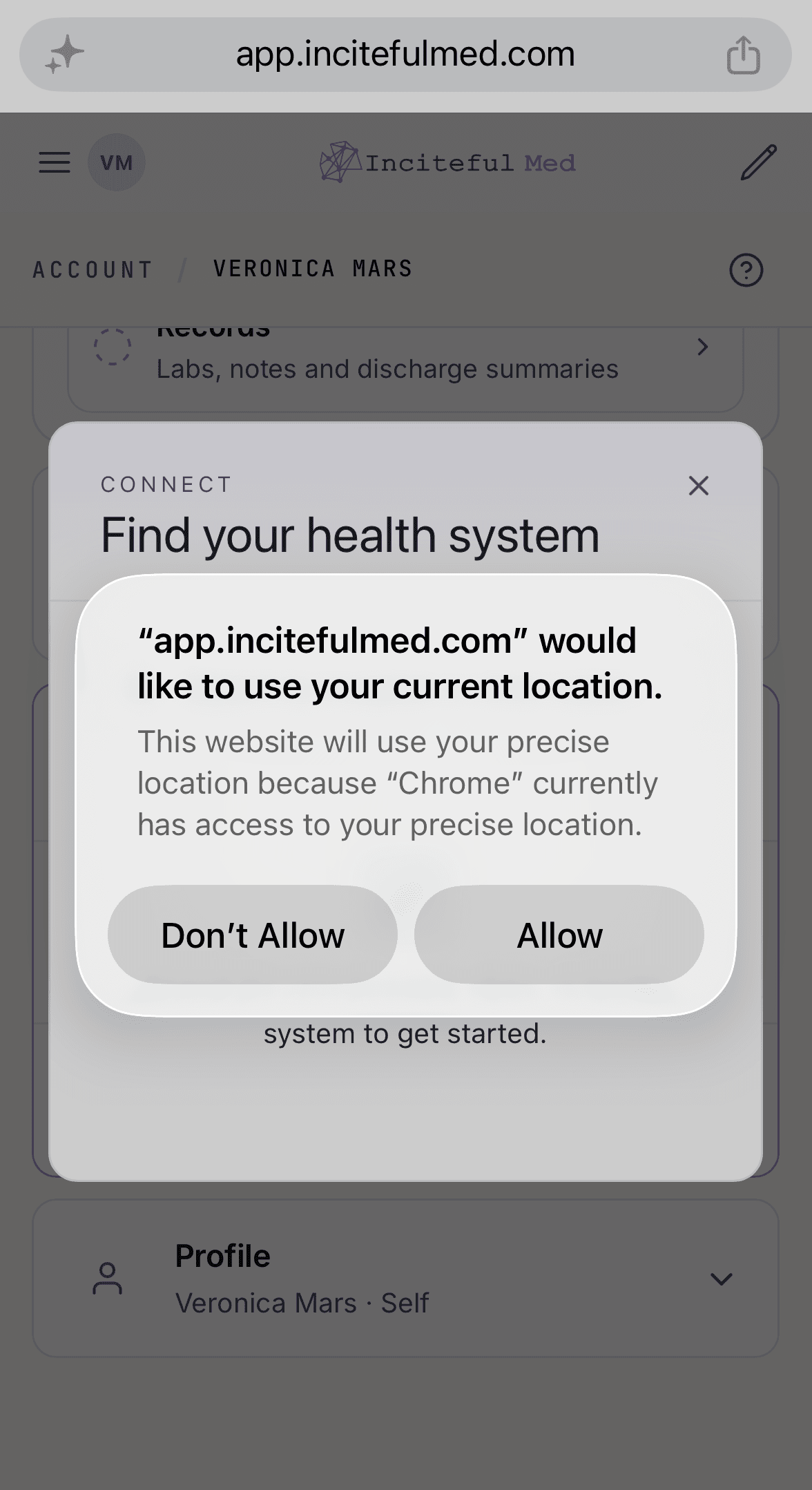
You'll be prompted to share your location. This is optional, but it makes it much easier to find health systems near you.
Use the search field to find your health system and select it. If it doesn't appear, it's likely not on Epic yet (see above).

You'll be redirected to that system's patient portal to log in. Inciteful Med never sees or stores your portal login credentials. If you have two-factor authentication enabled, you'll be asked to verify your identity there as well.

Grant Access
Once you're verified, you'll be asked to approve Inciteful Med's access to your data. This screen also confirms our data commitments: Inciteful Med does not sell or share your data, does not use it for marketing, does not use it to draw insights about your family, and lets you delete your health data at any time.

Next, choose what to share. We recommend sharing everything since this is what lets Inciteful Med process new information as it comes in, remind you about and help you prepare for upcoming appointments, check for medication conflicts, and coordinate care across providers. That said, the choice is yours. You'll also choose how long to grant access. We recommend one year. A shorter window means you will be asked to reconnect sooner. A few things to know about this setting:
- If you choose a shorter timeframe, you'll be notified when access expires and prompted to re-sync.
- Regardless of what you choose here, you can disconnect a sync from within Inciteful Med at any time.

Finish Syncing
Once approved, you'll be redirected back to Inciteful Med, where the health system will appear in your record monitoring section. Depending on the size of your record, syncing can take anywhere from 5 to 30+ minutes. If something goes wrong, you'll see the error status here.

If you have providers across multiple health systems, you'll need to connect each one individually - there's currently no way to sync them all at once. Thank the American health care system.
If your plan changes
If you move to a plan without record monitoring, or a patient profile becomes read-only, we stop checking that health system. Your connection is not broken and you will not have to log back into your patient portal: it stays in place and shows as Not watching. Everything already synced stays on the profile.